Anime TikTok Sticker Banner Templates
Iconic anime loops from Ghibli rainy bus stops and glowing ramen bowls to Super Saiyan auras and Sailor Moon sparkles—pre-framed for seamless 3/6/9 TikTok grids.
 030201
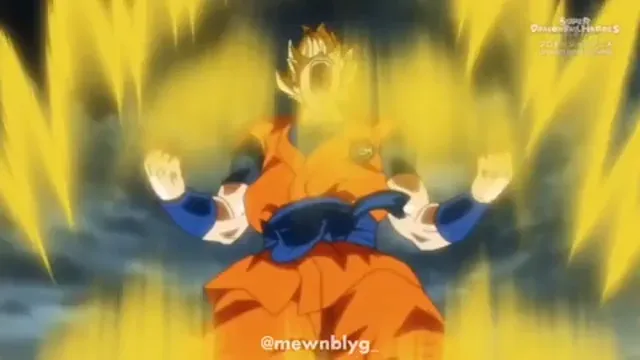
Super Saiyan Golden Aura
Powering Up with Crackling Energy Waves
Classic Shonen adrenaline: roaring golden energy aura radiating outward across all 3 banner tiles.
 030201
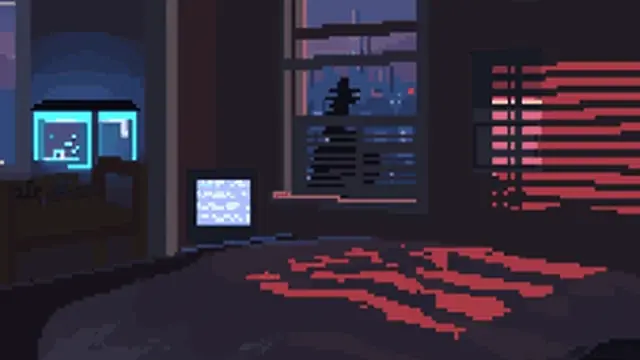
Midnight Anime Bedroom
Purple Neon Glow & Cozy Computer Battlestation
Classic aesthetic bedroom scene with PC monitor glow, cat sleeping on the rug, and soft violet city lights outside.
 030201
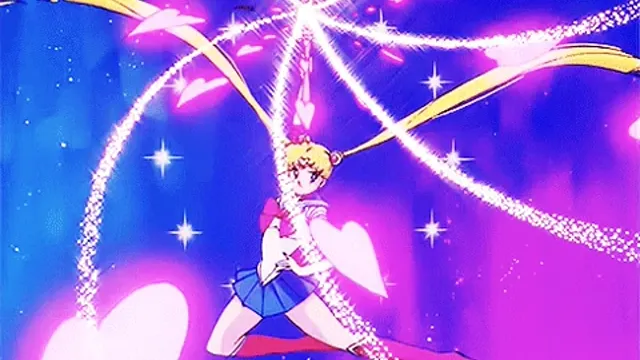
Sailor Moon Starlight Tiara
Pastel Sparkles & Magical Girl Transformation
Dazzling 90s shojo magic: iridescent starlight ribbon animations with pink and gold fairy dust.
 030201
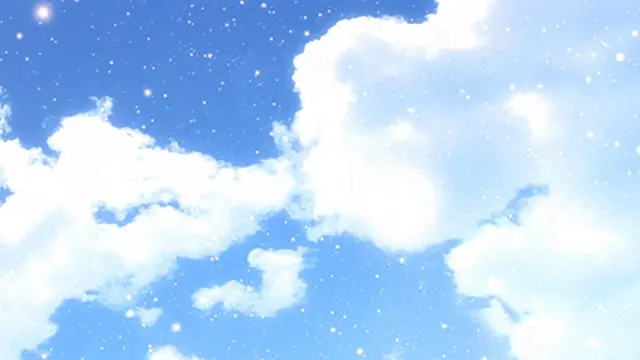
Makoto Shinkai Summer Clouds
Vibrant Blue Anime Skies & Towering Cumulus
Breathtaking high-saturation blue summer anime sky with sunlight illuminating giant billowing clouds.
 030201
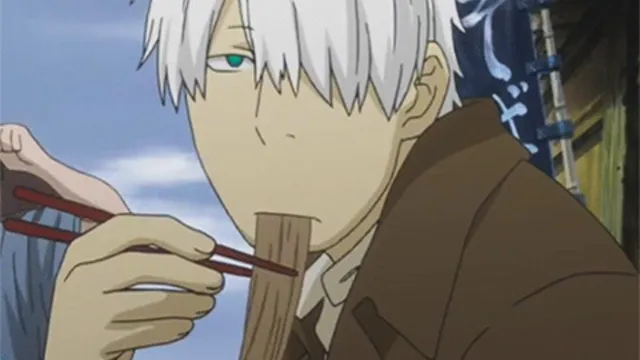
Studio Ghibli Steaming Ramen
Mouth-Watering Hot Broth with Egg & Chashu
The legendary anime comfort food animation: hot broth swirling with noodles, green onions, and savory steam.
 030201
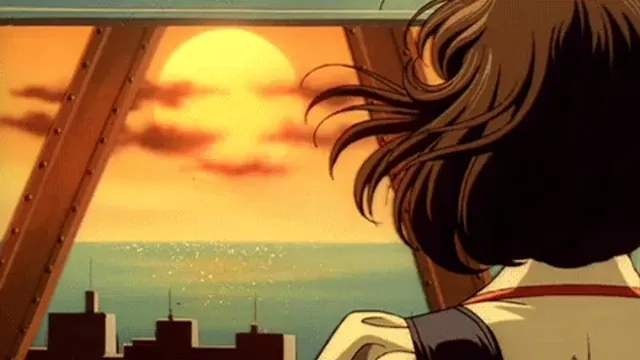
Sunset Train Window Reflections
Golden Hour Rails & Passing Countryside
Cinematic anime passenger train carriage with sunset reflections flickering on the leather seats.
 030201
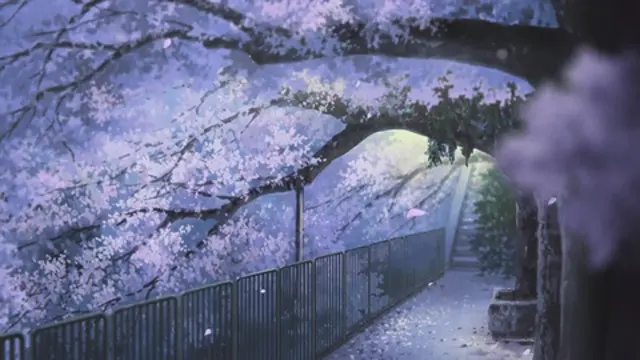
Cherry Blossom Spring Wind
Delicate Sakura Petals Swirling in Sunlight
Real animated cherry blossoms drifting gently across a clear spring horizon. Ethereal, romantic, and peaceful.
 030201
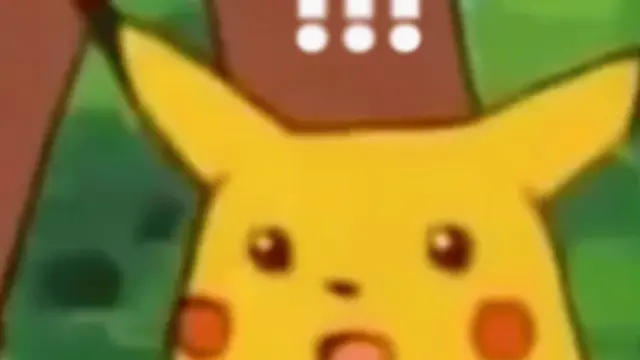
Surprised Pikachu Shock
Mouth Agape with Feigned Utter Disbelief
The timeless reaction face for when the obvious outcome happens anyway. Instantly recognizable across generations.
 030201
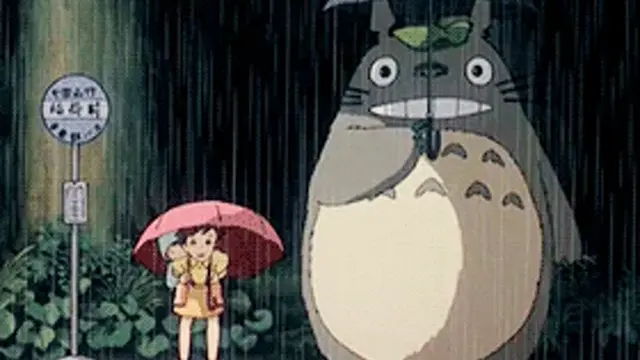
Totoro Rainy Bus Stop
The Giant Forest Spirit Under the Dripping Umbrella
Ghibli magic at its finest: Totoro enjoying raindrops drumming on his umbrella at the country road bus stop.
Tips for Crisp Anime Sticker Banners
- Center character faces inside the middle tile so TikTok's 7.3% grid gap never slices right through an eye or expression.
- Choose 3-second looping MP4 export for high-motion aura and sparkle clips so playback loops seamlessly on your Stickers tab.
- Pair dark-toned anime rooms and night scenes with Dark Mode preview to check contrast around rounded corners.
Frequently Asked Questions
Can I turn anime clips or GIFs into animated TikTok profile stickers?
Yes. Click Customize in Maker on any anime preset to export numbered 720×720 MP4 slices, post them publicly, and tap Share → Create sticker in reverse order.
What size should an anime TikTok sticker banner be?
Each individual tile exports at 720×720 pixels (1:1). A 3-sticker anime strip spans 2265×720 px including gaps, while a 9-sticker wall spans 2265×2265 px.
Why are my anime stickers out of order after uploading?
TikTok places your newest sticker at the top-left. Always create stickers starting with Step #1 (bottom-right tile) and finish with the top-left tile last.