TikTok StickerBanner MakerOne photo, GIF, or video. A seamless banner across your TikTok profile Stickers tab.
TikTok preselects 3 s. Drag its selection to the end on every sticker to use the whole clip.
TikTok leaves ~7.3% gap between stickers. Gap-aware cut skips seam pixels so lines and faces line up seamlessly!
💡 Do not reverse: TikTok displays newest stickers at top-left. Always make #1 first to push it to the right!
💡 Tip: Keep faces and focal points away from the top-right corner where visitors see a favorite star overlay ⭐
Sticker Slices Queue
Post in #1 → #9 OrderClick any tile to download individually, or tap below to export all:
- Post each slice video as its own post on TikTok, starting with #1 first.
- Open the posted #1 video → tap Share → tap Create sticker → Confirm.
- Keep sticker public, then continue with #2, #3... to build your banner!
In TikTok:
Settings and privacy → Accessibility → turn on "Animated thumbnail", then restart the app.Popular TikTok Sticker Banner Styles
 030201
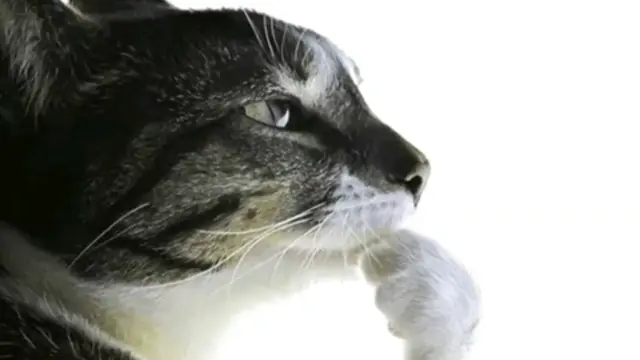
Thinking Cat Overthink
The Iconic Pondering Meme Cat Looking Up
 030201
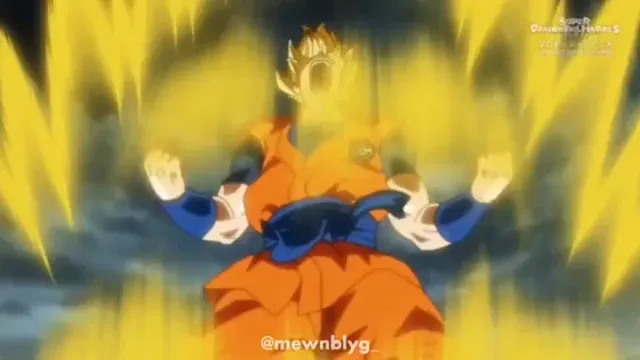
Super Saiyan Golden Aura
Powering Up with Crackling Energy Waves
 030201
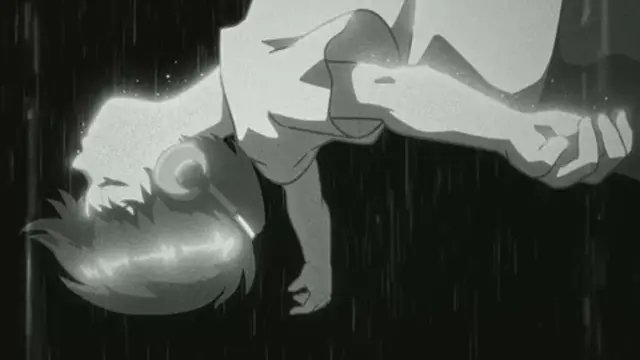
Cozy Lo-Fi Rainy Window
Gentle Rain Droplets Streaming Down Steamed Glass
 030201
Matrix Emerald Cascade
Original Cascading Green Terminal Code Stream
How to Make a TikTok Sticker Banner
Why create from #1 → #2 → #3?
TikTok organizes your profile stickers with "Newest shows first" at the top-left. This means the very first sticker you create (#1) gets pushed all the way to the right!
Our tool numbers files by step. Simply upload #1 first, then #2, then #3!
720×720 px & 7.3% Gap-Aware Cut
Ordinary 3-way splitters chop an image evenly. On TikTok, the app inserts a 7.3% white gap between stickers, tearing lines and faces apart. Gap-aware cut removes seam pixels so your artwork connects seamlessly.
Tip: Add new stickers in groups of 3 to avoid shifting your banner out of place.
Frequently Asked Questions
1What is a TikTok Sticker Banner?
A TikTok Sticker Banner is a cohesive panoramic picture or video loop created across 3, 6, or 9 public stickers in your profile’s Stickers tab (the smiley-face icon). Each tile functions as an individual sticker, together forming a massive aesthetic banner.
2Why is "Create sticker" not showing on TikTok?
Open the TikTok app, go to Settings and privacy → Accessibility → turn on Animated thumbnail, then force-restart TikTok. Also ensure the video is public and has finished processing before tapping Share → Create sticker.
3Can I make a sticker banner from static photos?
Yes! Because TikTok only creates stickers from video posts, our tool lets you download both PNG images and 3-second MP4 video slices. Post the MP4 video slices to TikTok, and you can create stickers without video editing software.